
AI Selfie Generator: Turn Your Selfies Into Realistic Photos of You
By Alex ·
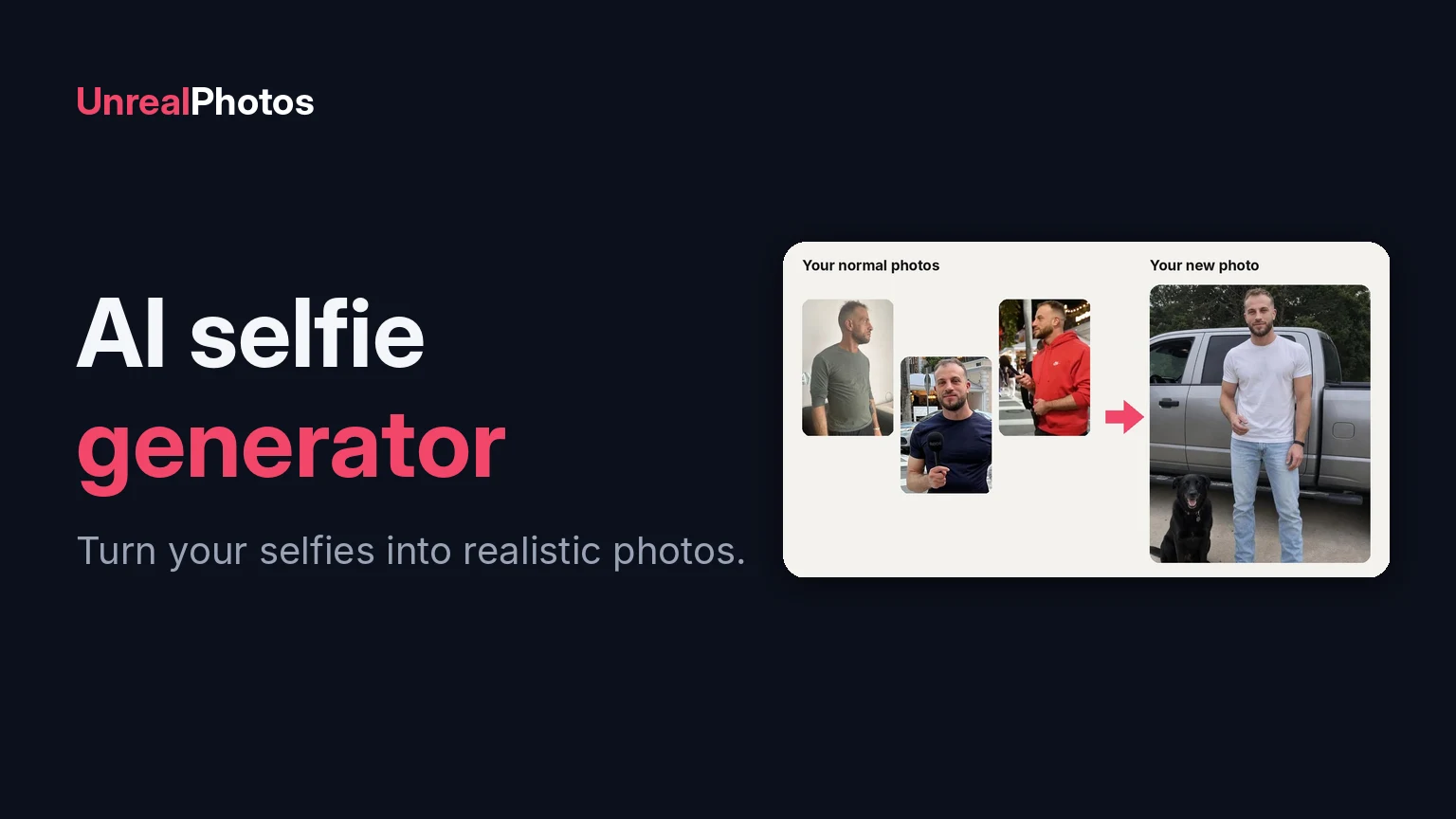
An AI selfie generator takes a few normal photos of you and creates new, realistic photos of you that you never took: on a beach, dressed up, out with your dog, on a trip you haven't been on yet. Done well, the results look like real photos a friend took. Done badly, they look like a waxwork of someone who sort of resembles you.
This guide explains how AI selfie generators work, what to look for, and how to get photos that actually look like you. I'm a dating coach, and I built UnrealPhotos because most of the guys I coach at Playing With Fire didn't have good photos of themselves, so the examples below are from UnrealPhotos.
What an AI selfie generator does
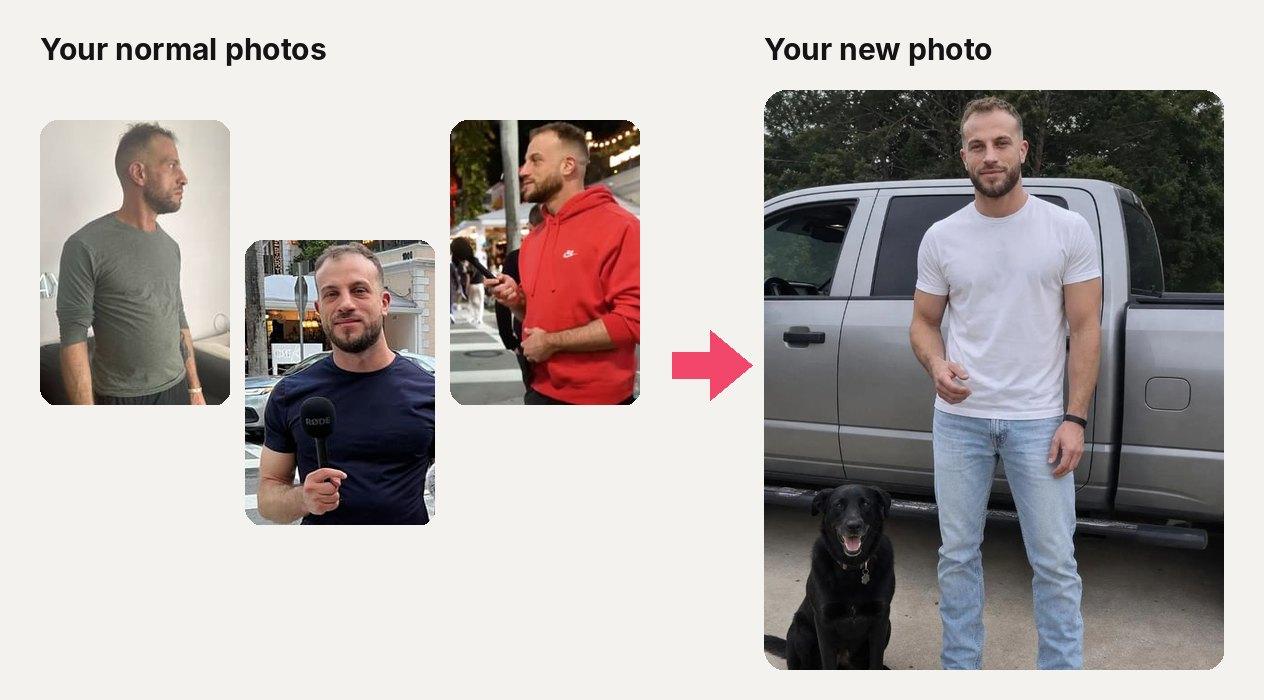
You upload a few everyday photos of yourself: selfies, photos from your camera roll, anything where your face is clear. The AI learns what you look like from them. Then it creates new photos of you in whatever scene you pick, with your face, your build and your hair, in new outfits, settings and light.
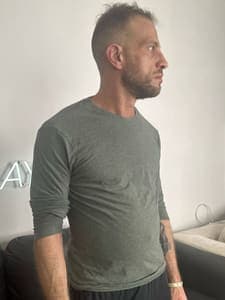
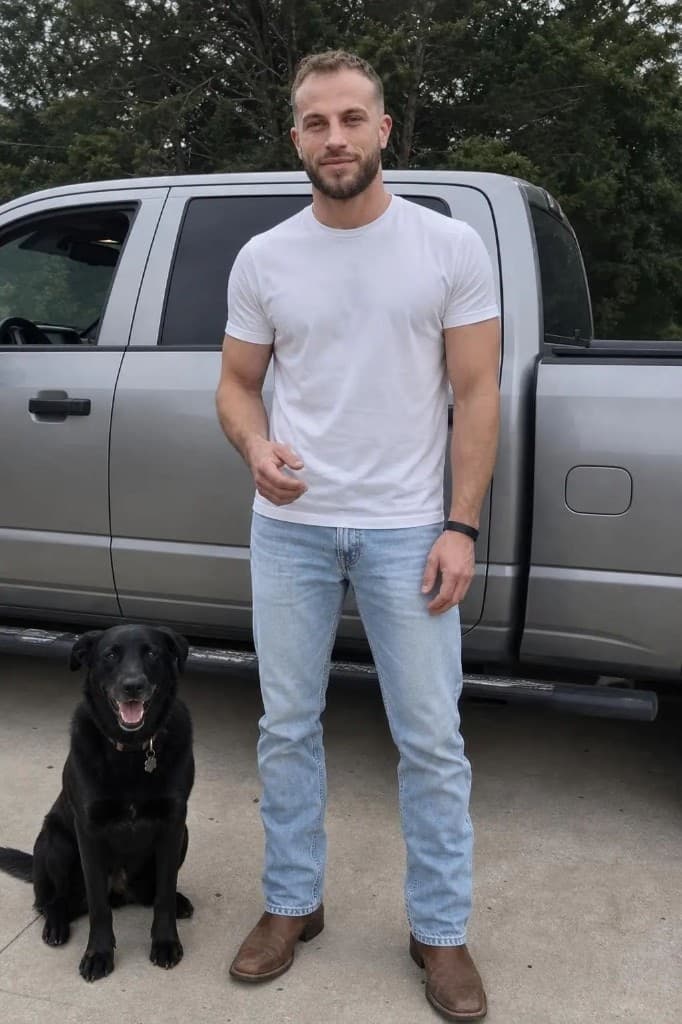
That's me. The photo on the right was made from the three ordinary photos of me on the left. Nobody took me to that truck with that dog. That's the point: you get the photos you'd have if you'd had a photographer following you around, without the photographer.
AI selfie generator vs. AI filters and avatars
People use "AI selfie" to mean three very different things:
| Tool type | What it does | Looks like a real photo? |
|---|---|---|
| Filters and beauty apps | Smooth your skin or change your face in a photo you already have | Sometimes, but heavy filters are easy to spot |
| AI avatars | Turn you into a cartoon, anime, painting or fantasy character | No, and that's the point |
| Realistic AI photo generators | Create new photos of you in real-world scenes | Yes, when done well |
If you want photos for a dating profile, Instagram or a profile picture, you need the third kind. That's what UnrealPhotos does.
How UnrealPhotos turns your selfies into photos
- Upload a few photos of yourself. Up to six everyday photos where your face is clear and well lit. Different angles and outfits help the AI learn what you look like.
- Pick your scenes. Choose from a library of real-looking photo ideas (beach, travel, night out, with a dog, dressed up, gym and more), or upload any photo you like and have it recreated with you in it.
- Get your photos. UnrealPhotos creates the photos for you. Keep the ones that look most like you, and make more of the scenes you like.
What you can make with an AI selfie generator

Adventure and travel photos, like a helicopter ride over the coast, without the helicopter ride.
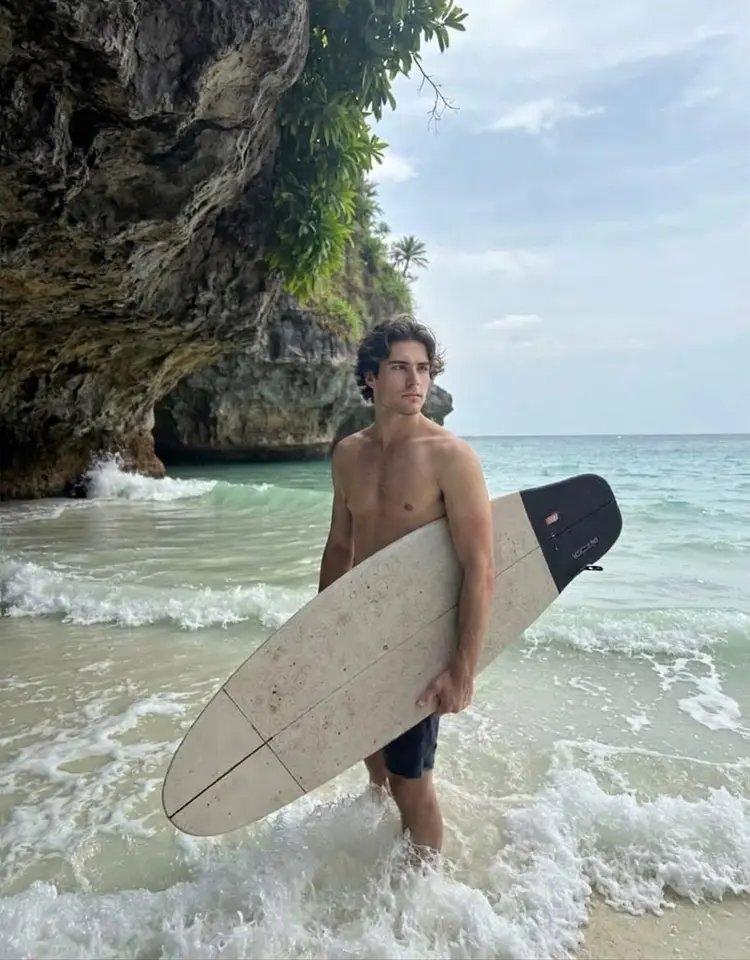
Beach and outdoor shots that show your build in a natural setting.
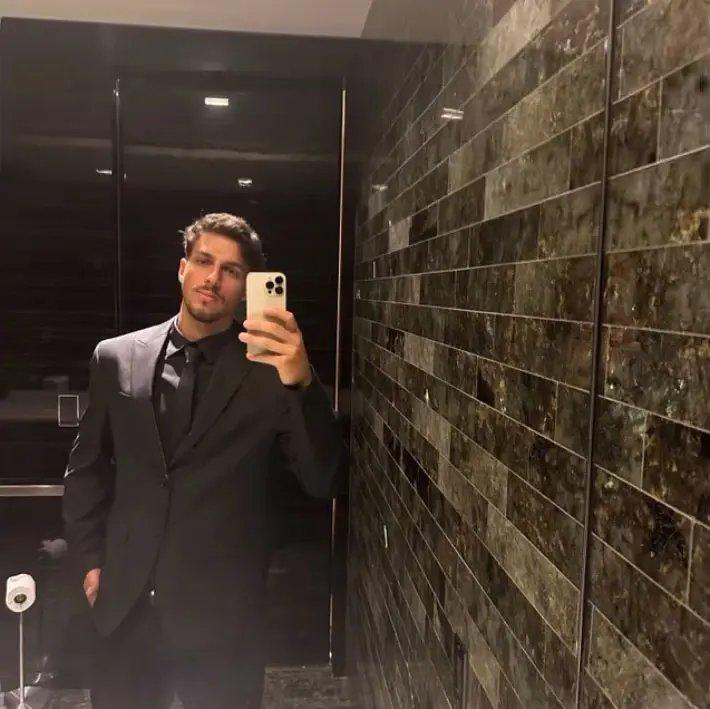
Dressed-up photos for when your profile is all t-shirts.

Everyday lifestyle photos: working, cooking, at a café, with friends.
Every one of these was made with UnrealPhotos from a few normal photos. For more, see these AI dating photos that look real and before and after examples.
How to get AI photos that actually look like you
The photos you upload decide how good the results are. Follow these rules:
- Use clear, recent photos. Your face should be sharp, well lit and look like you do today.
- Show different angles. A straight-on selfie, a three-quarter angle and a photo from a little further away give the AI more to work with.
- Avoid sunglasses, hats and heavy filters. The AI can only learn what it can see.
- Only you in each photo. Crop out other people, or pick photos where you're alone.
- Keep your hairstyle consistent. If you've just had a big haircut, use photos with your current hair.
When your photos come back, be picky. Keep the ones that look exactly like you, and delete any that don't. On a dating profile, the goal is that someone who meets you in person thinks "he looks just like his photos".
Is it OK to use AI photos on dating apps?
Yes, as long as they look like you. Dating apps prohibit using AI to mislead people, like changing your face, your body or your age. Realistic photos of you as you actually look, in places you could be, are a different thing. We cover the details in Are AI photos allowed on dating apps?
FAQ
What is an AI selfie generator? A tool that uses a few of your photos to create new, realistic photos of you in different scenes, outfits and settings.
How many selfies do I need? A few clear photos are enough. UnrealPhotos uses up to six. Variety of angles matters more than quantity.
Will the photos look fake? That depends on the tool. Many generators produce glossy, airbrushed photos that are easy to spot. UnrealPhotos is built to produce candid, everyday-looking photos, like ones a friend took on their phone.
Can I choose where I am in the photos? Yes. Pick from a library of scenes, or upload any photo you like and UnrealPhotos will recreate it with you in it.
Is there a free AI selfie generator? Some apps offer free filters or avatars, but realistic photos of you take a lot of computing power, so the good ones are paid. See UnrealPhotos pricing.
What can I use the photos for? Dating profiles, Instagram, profile pictures, or anywhere you want a better photo of yourself. For ideas, see these profile picture ideas and the 6-photo dating profile lineup.
The bottom line
A good AI selfie generator turns a few ordinary photos into realistic photos of you that look like someone actually took them. Upload clear, recent photos from a few angles, pick scenes that fit your life, and keep only the results that look exactly like you. Try UnrealPhotos to make yours.


3 photos. A whole new dating lineup.
Leave your email and we'll send you 10% off your first plan.
No spam. Unsubscribe anytime.